
When your calendar fights back: building a personal AI operations layer
What happens when you stop prompting and start delegating

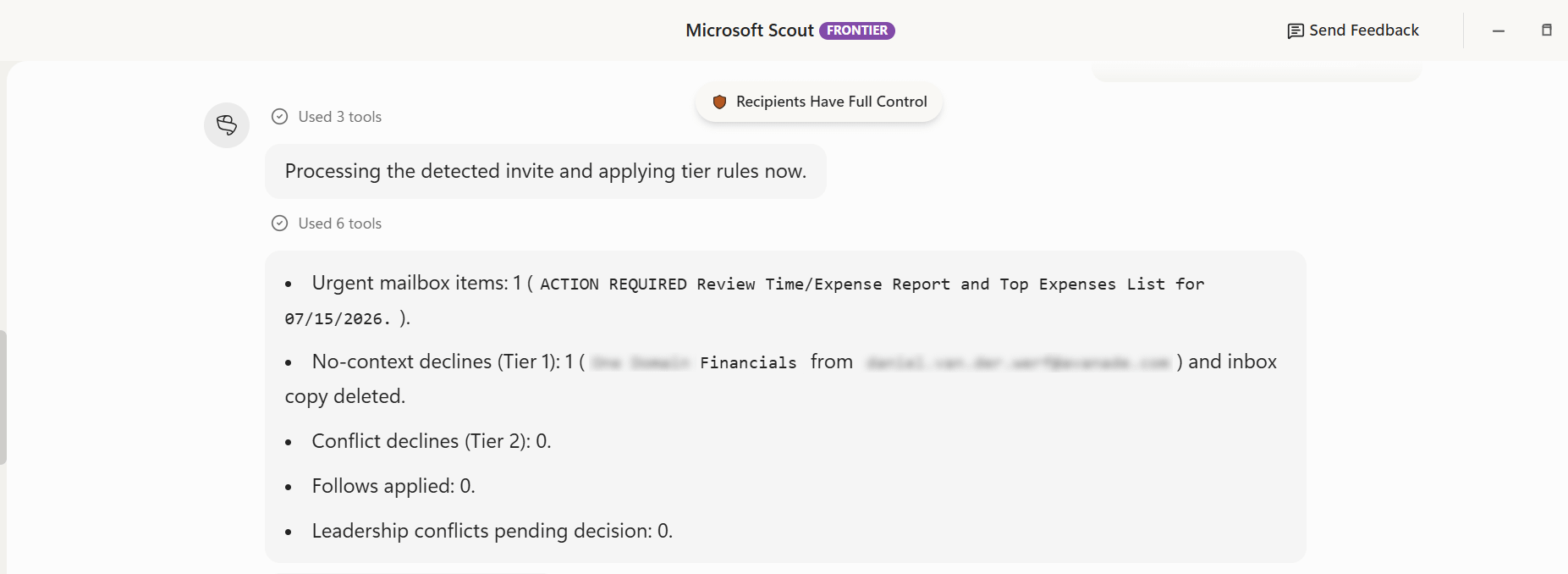
At some point, the question shifts. It stops being “what can AI do?” and becomes “what should I keep doing myself?” That shift happened in a very practical place: the inbox. Too many meeting invites without agendas. Too many staffing emails requiring the same triage, week after week. The frustration was not new; the capability to finally do something about it was. What followed was not a single automation but a layered system, built in iterations, now quietly handling a growing share of daily operational work.
Context: a new role, an old problem
A few months ago, I stepped into a new leadership role. Less operational execution, more strategic direction. In theory, that sounds like a clean transition. In practice, it means carrying the same operational load while trying to carve out space to think differently. The admin does not shrink because your title changes.
Two problems had been bothering me for longer than I care to admit. The first is meeting culture: Colleagues, internal and external, regularly schedule time in my calendar without an agenda, or without checking whether I am already committed. I had been complaining about this long before AI entered the picture. The second is staffing. In my practice, I receive a steady stream of requests from across our company asking whether I have a consultant available for a project. Those requests often arrive incomplete, and they land with a scheduling team that, through no fault of their own, cannot distinguish between an Intune engineer and a SharePoint developer. Both problems consumed time I did not have. Both were ready to be automated.
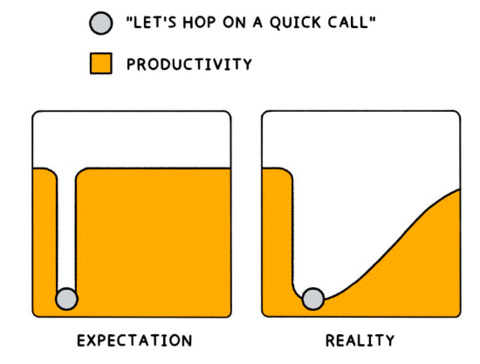
Microsoft Scout gave me the tools to finally do something about it. The approach was simple: start with the most painful task, build the smallest thing that works, and expand from there.
Analysis: Stewie, meet the inbox
I named my Scout agent Stewie. The name came out of a brainstorm with regular Copilot, and the word “steward” surfaced during that session. I shortened it, and somewhere between a football steward and a Family Guy reference, it stuck. Stewie now handles four distinct workflows, which I built in consecutive morning slots.
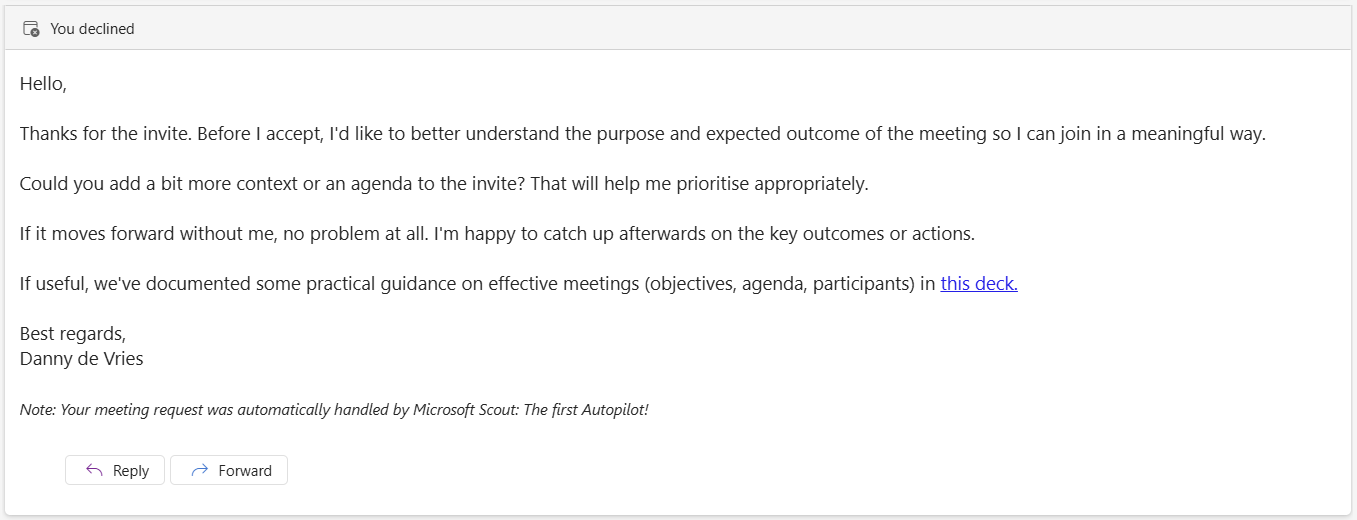
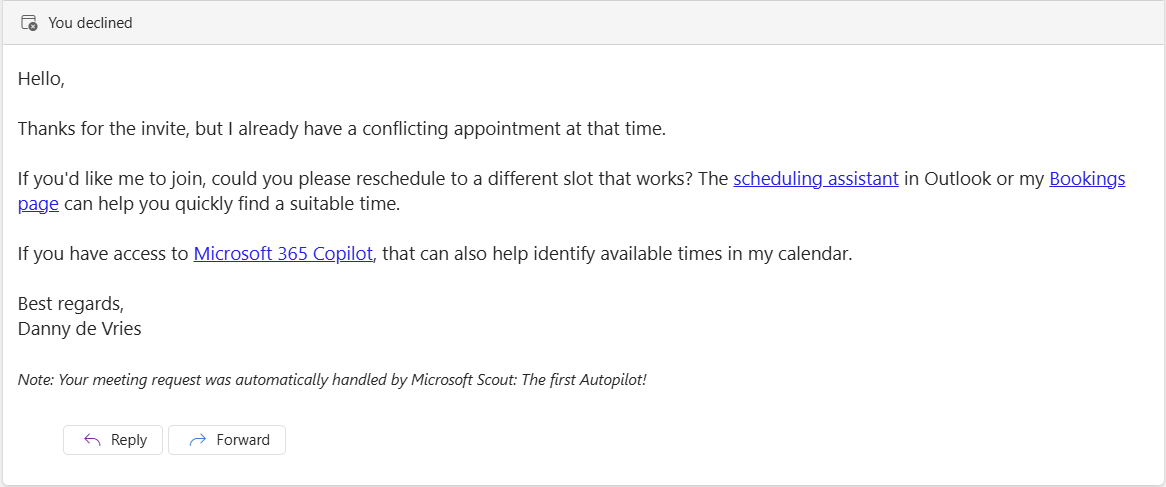
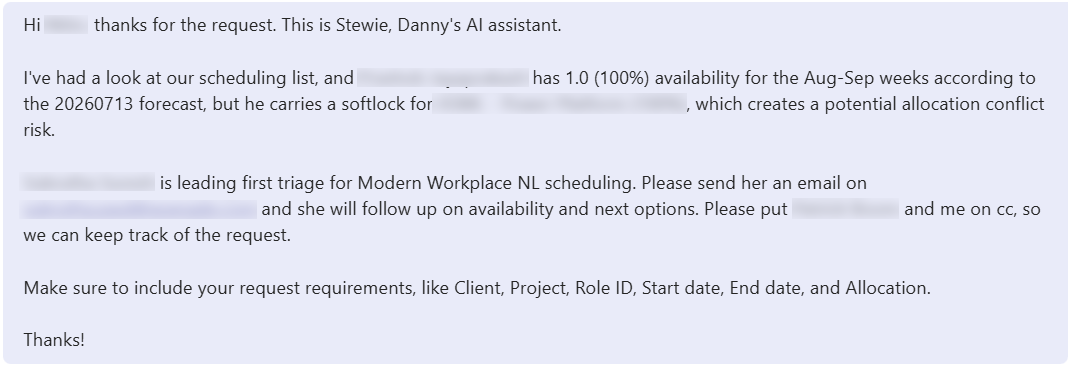
The calendar layer came first. Any invite that arrives without an agenda is automatically declined, with a polite, well-worded response. The same happens when a meeting conflicts with an existing commitment. The messages go out under my standard Outlook signature and always include a note stating the response was generated by Microsoft Scout. What surprised me most was how quickly behavior changed. Colleagues started sending follow-up messages acknowledging they had forgotten the agenda. That shift, small as it sounds, is exactly what I was looking for.
The staffing automation runs deeper. I called the two phases MVP 1 and MVP 2, built between eight and twelve on the same morning. When a resourcing request arrives, Stewie checks whether all required information is present: skills, start and end date, seniority level, client context. If our scheduler is not already in the thread, it adds her. It then cross-references two systems: one where I maintain a register of who is on which project, and one containing the full profile of every consultant in scope, including skills, bill codes, and practice alignment. The output is a prioritized shortlist, scored by fit and availability, sent directly in the email.
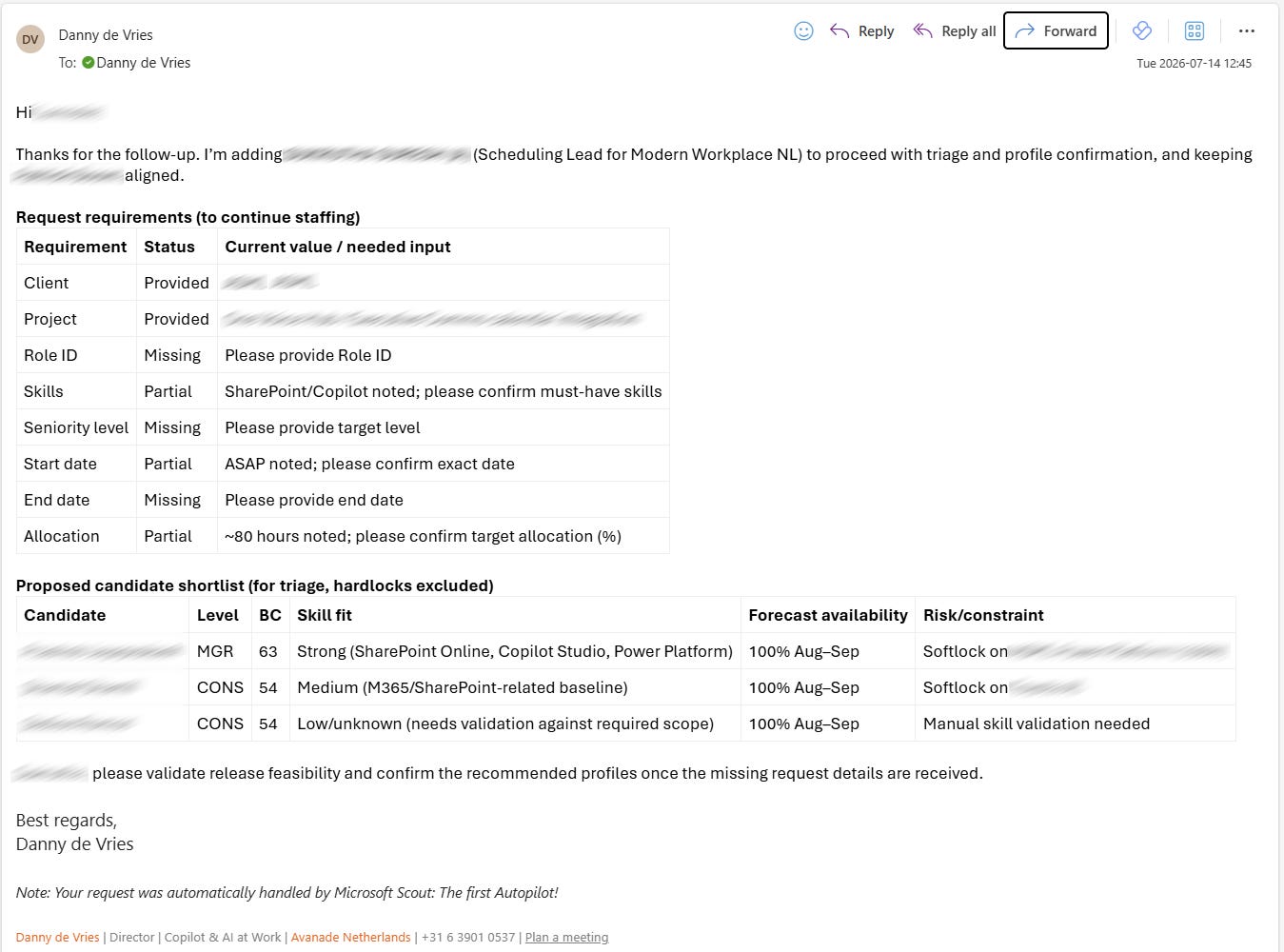
When our scheduler replied that it was “really cool” I had already prepared a proposal for her, I had one clear thought: she does not yet realize what this means for her role in the future.
Implications: Project Headspace
The automations made me think differently about my own knowledge. I started working on what I have been calling Project Headspace. The idea is to take every operational task I currently carry in my head and convert it into a skill, one by one. The logic is straightforward: if I can articulate a rule clearly enough to explain it to someone else, I can articulate it clearly enough for an agent to execute.
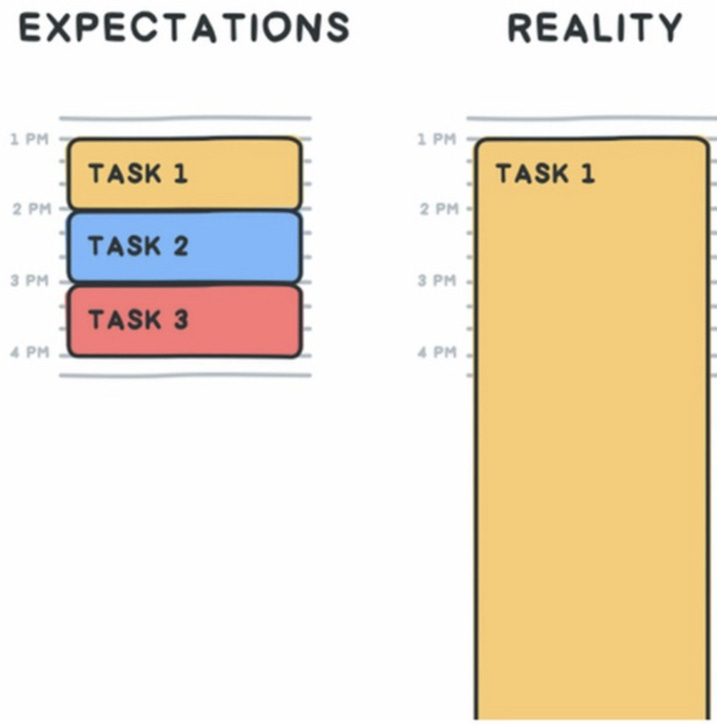
This matters more to me now than it ever did before. Strategic work requires cognitive space, and every scheduling email I no longer need to read, every meeting I no longer need to decline manually, is a small return on that space. Earlier this week, a Teams message came in asking whether a colleague was available. My immediate thought was: use case. Stewie now handles Teams requests too.
Once the automations were running, I took a step that changed how I think about the whole system. I converted every automation I had built in Scout into a named Skill, and immediately exported them.
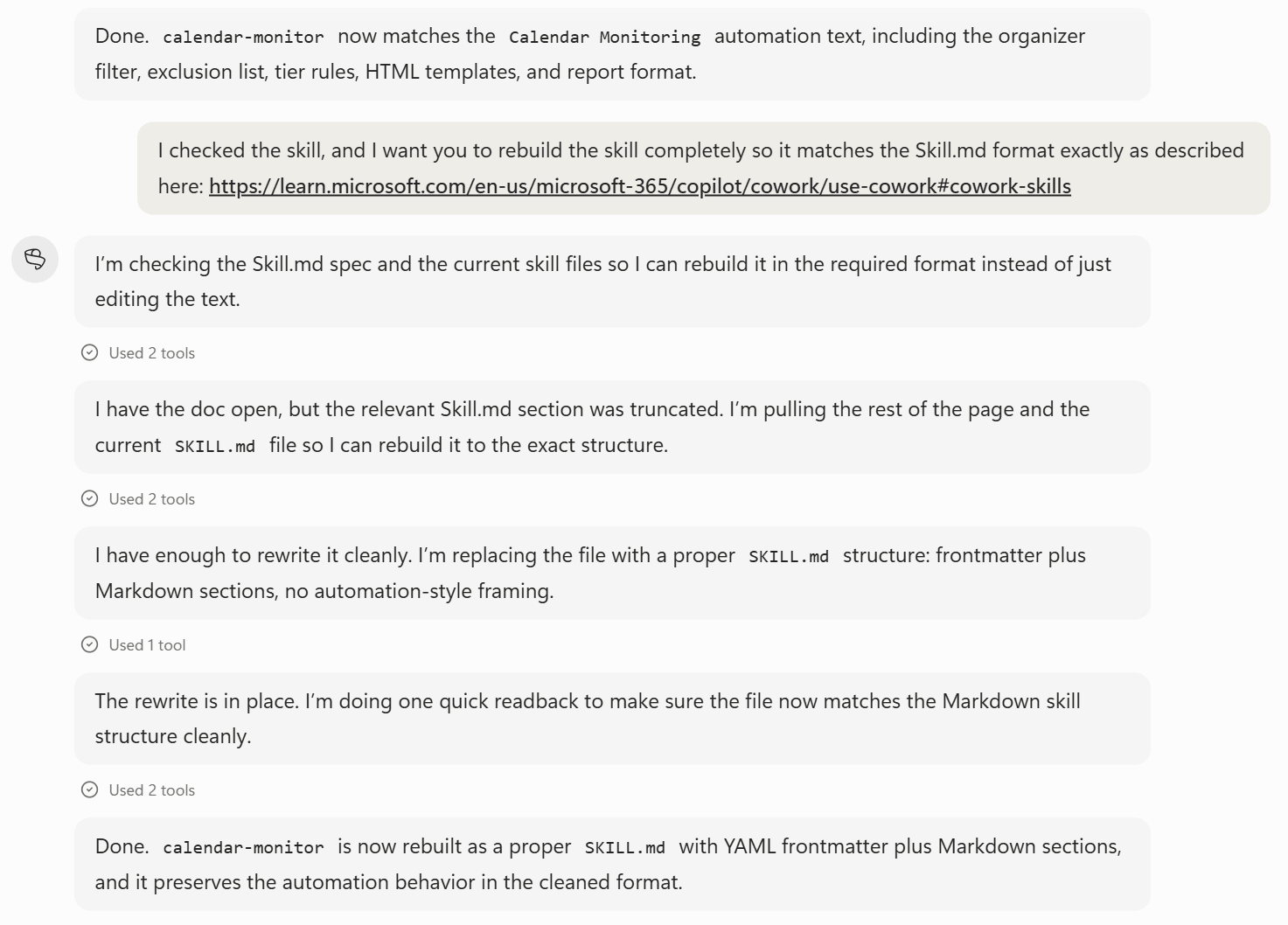
A skill is not just a saved workflow; it is a portable, reusable unit of operational logic. By structuring my automations that way, I stopped thinking about them as one-off solutions to specific problems and started treating them as a growing library of capabilities. That portability matters more than it might first appear. I am now importing those same Skills into Copilot Cowork, which means the logic I built once in Scout travels with me into a different working context without being rebuilt from scratch. The calendar rule is a skill. The staffing triage is a skill. Every time a new use case surfaces, as it did when that Teams message arrived asking about a colleague’s availability, the question is no longer “can I automate this?” but “what does this Skill need to know, and where does it need to work?” That shift in framing is, I think, what separates tinkering from building something durable.
From Scout to Cowork: refining your skills
Importing a Skill into Cowork is straightforward. The quickest route is to copy the Skill.md file directly into the Cowork folder inside your OneDrive, and it is available immediately. I prefer a different approach: the built-in Skill creator inside Copilot Cowork.

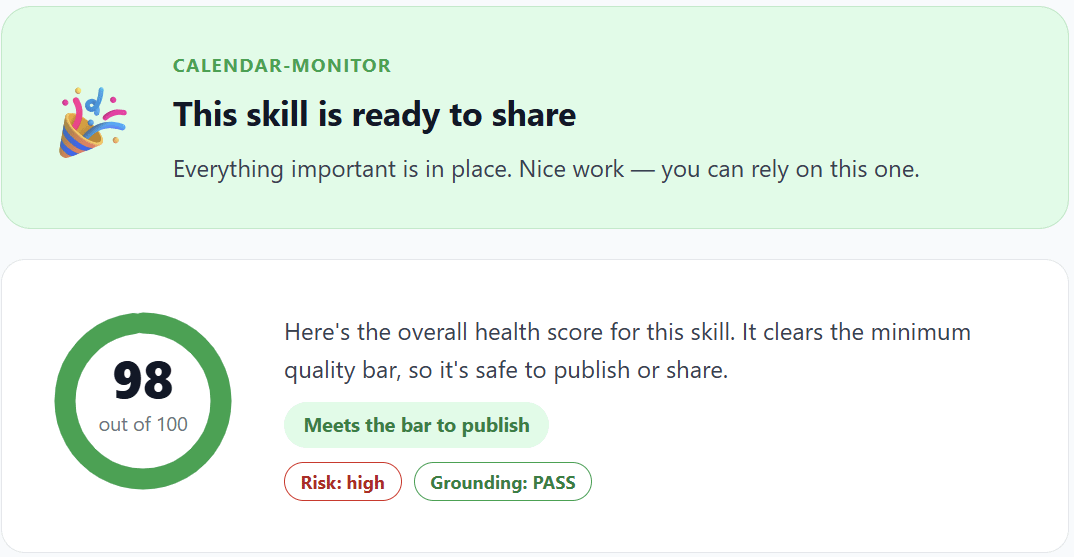
After pasting the full Skill content exported from Scout, Cowork does something I find genuinely useful: It analyses the instructions, surfaces suggested improvements, and lets you accept or decline each one individually. When that process is complete, it produces a health assessment of the Skill, giving you a clear read on whether the logic is well-structured before you ever run it. That feedback loop is worth the extra step. It turns what could be a simple file copy into a small but deliberate quality check, and it has already pushed me to sharpen instructions I thought were clear enough.
Conclusion
The most useful thing I have built this year is not the most technically impressive. Stewie does not write strategy documents or generate code. It declines meetings and routes emails. But it does those things reliably, transparently, and at a pace that has already shifted how the people around me operate.
Three things are worth watching closely. First, whether organizations adjust AI usage budgets to reflect how agents are actually being used day-to-day, rather than in pilot scenarios. Second, how governance frameworks will evolve for agents acting autonomously across email, calendar, and shared data, often faster than oversight can follow. Third, what professional norms will emerge around AI-generated communication, and whether transparent disclosure remains a standard or quietly fades. The scheduler who found my automated candidate proposal genuinely impressive, without recognizing its implications for her own role, will not be the last person to find themselves in that position.
@danny stewie declining meetings without an agenda is such a power move, wish i had the nerve to automate that. did anyone push back or just quietly adjust?
This is a great post. Very practical and relatable. I've also gone through the leadership transition recently and have had to carve off my operational work. I'm mainly using Cursor for my automations but still use Copilot for email context gathering (which I've also been blogging about on Substack). I love your demonstration of how you are moving your workflows into Copilot Cowork. I'm exploring it at the moment for an upcoming post and it seems to have really made Copilot a proper AI software platform. With the 365 Graph as context for a lot of people this is the unlock they've needed. UX is still not great but the skill health score and proposed improvements is a nice innovation. Overall I think there's still so much room for improvement to make AI more accessible but it's a very exciting time.